The Assistant Never Reads You the Address: How Poisoned Voice Results Point Smart Speakers at Fake Xfinity Pages
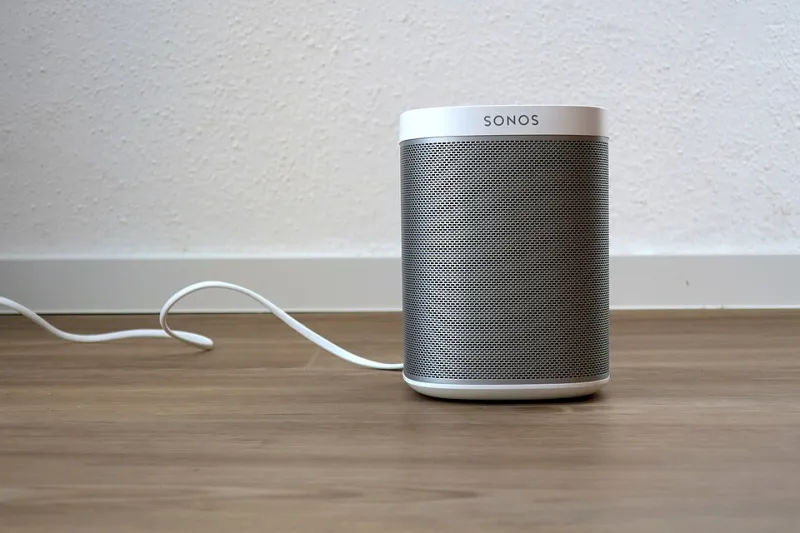
Photo: Robert Wetzlmayr, CC BY-SA 4.0, via Wikimedia Commons
Ask a smart speaker in a kitchen how to check a bill and it will answer in one confident sentence. That sentence is the problem. It arrives without a source, without a domain, without the visual furniture a person uses to judge trustworthiness: no address bar, no padlock, no sense of whether the page looks like it was built yesterday. In a screenless interaction, the answer and the evidence are the same thing, and the machine has already decided which one you get.
Voice search poisoning exploits that gap. The technique is not new, but the conditions that make it effective in 2026 are: assistants have become the default first stop for quick household questions, and the results they draw on can be manipulated by anyone who understands how ranking signals are assembled.
A query with no paper trail
When a person searches on a phone or laptop, the mechanics of the interaction create friction. The results page appears; the eye passes over the URL; something looks off and the tab closes. Spoken queries remove all of it. The assistant selects one answer, often pulled from a featured snippet or a business listing, and reads it aloud. On a device without a display, there is nothing to inspect afterward unless you go looking for an activity history.
That asymmetry is what the scheme is built on. The attacker does not need to outrank the official result for every query. They only need to win the single slot the assistant reads.
How the poisoning is done
Three methods recur.
The first is content optimization aimed at spoken phrasing. Attackers publish pages written in the natural question-and-answer shape that assistants favor, stuffed with the exact terms people say out loud, such as how do I log in to my account center or where do I pay my internet bill. The page is built to be quoted rather than read.
The second targets business listings. A counterfeit support entry is created with a plausible name, a toll-free number, and service categories matching the query. When a user asks an assistant to call the provider, the assistant dials what the listing says, and the call connects to a call center that already knows why you are calling.
The third uses structured data and page markup to assert facts a crawler will trust: that this site is the official account portal, that this number is the billing line, that this address is the payment page. The markup is invisible to a human and persuasive to a machine.
The commands that carry the most risk
Questions that produce information are relatively safe, because a wrong answer is usually recognizable. Requests that produce an action are where the exposure concentrates.
- Call the provider for me, or give me the number for billing support.
- Open the account login page.
- Reset my password.
- Check my balance and pay it.
- Add a new payment method.
Each of these either hands a phone number to a stranger or opens a destination the household never sees. A spoken balance is particularly dangerous because it invites the next step, which is payment.
Hearing it aloud is not verification
An assistant reading an account balance or a due date does not authenticate the source of that figure. It is repeating what a page claimed. The same is true of a spoken confirmation number or a spoken policy statement. The voice conveys fluency, not provenance.
This matters most in households where several people, including older relatives or children, interact with the same speaker. A single poisoned answer can be heard by anyone in the room and repeated as fact.
A workable household policy
The practical rule is short: let the assistant answer questions, and never let it complete an account action.
For anything involving money, credentials, or service changes, end the spoken interaction and open the official app or type the account address into a browser yourself. The extra fifteen seconds is the entire defense.
A few supporting habits close the remaining gaps.
- Verify phone numbers against a document, not a voice. Use the number on your bill or statement. If a number was read to you, treat it as unverified until you have matched it.
- Turn on confirmation prompts for outbound calls. Most assistants can be configured to require a spoken confirmation before dialing. Enable it, and read the number back before saying yes.
- Use screens where you have them. On a display-equipped device, ask the assistant to show results rather than read them, and glance at the domain.
- Review the activity log. Assistants keep a record of queries and opened links. A monthly look at that log shows what the household has been asking and, more usefully, what was opened in response.
- Separate the speaker from the account. If a voice device can control services or read sensitive details, decide deliberately whether that access is worth the convenience. For many households, it is not.
If someone already followed the voice
If a login page was opened and credentials typed into it, change the password from a device you trust, enable two-factor authentication, and review signed-in sessions and payment methods. If a call was placed, assume the conversation was a harvesting exercise: no legitimate representative needs a password, a one-time code, or remote access to your device, and any request for those is the signal to hang up and dial the number on your statement.
The larger point is not that voice assistants are unsafe. It is that they are fluent, and fluency is easy to counterfeit. Verification has to happen somewhere other than the place where the request was made.